Self-service printing terminal
Print documents straight from your phone
Walk up to a PrintPoint terminal, send your file with a QR code, pay in your banking app and collect the printout. No queue, no sign-up, no app.
- No sign-up
- Pay by QR
- Кыргызча · Русский · English
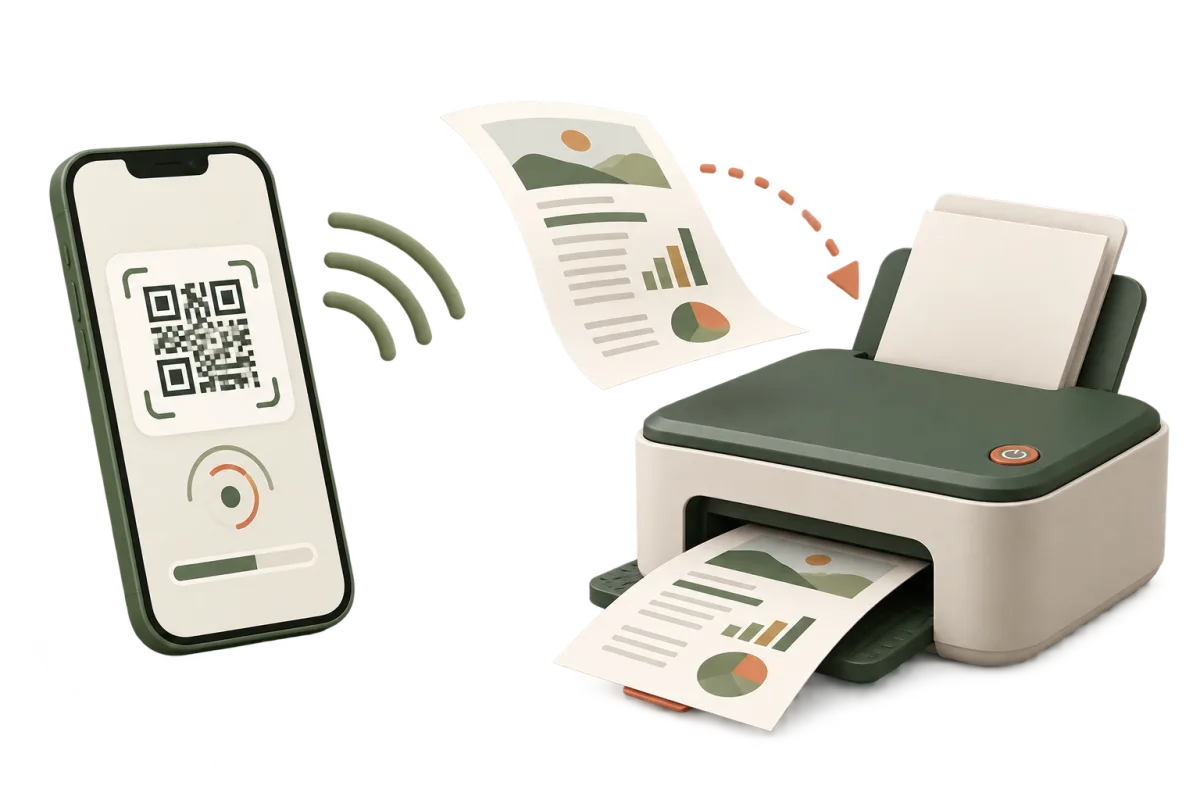
The project is in its pilot stage in Bishkek: the first terminals are being installed in schools and universities.
How it works
Five steps, usually under two minutes.
Choose a language on the terminal
Kyrgyz, Russian or English.
Scan the QR code
An upload page opens. The file is sent over your own mobile internet — you never join someone else's Wi‑Fi.
Check your document
The terminal shows a preview. Choose pages, number of copies, and black-and-white or colour.
Pay by QR
The terminal shows the exact amount before you pay. Payment is cashless, in your banking app.
Collect your printout
Printing starts once the payment is confirmed. The sheets come out into the terminal tray.
What the terminal can do
A4 format
Black-and-white and colour printing on A4 paper.
Common file types
PDF, DOC, DOCX, JPEG, PNG, WebP, HEIC. Files up to 50 MB.
Photo from camera
Take a photo of a paper document with your phone and print it right away.
Price before payment
The amount is based on the pages and copies you chose and does not change after payment.
No account
No sign-up, no password, no app to install.
Runs on its own
The terminal is unattended. If something goes wrong, support answers on Telegram.
For schools, colleges and universities
PrintPoint takes “could you print this, please” off your staff and gives students printing next to the classroom.
- The terminal works with no staff nearby: our team monitors it remotely.
- It has its own mobile internet — no connection to your network is needed.
- It only needs a power socket and about half a square metre of floor space.
- We take care of paper, ink and maintenance.
Frequently asked questions
Do I need to install an app or sign up?
No. Your phone camera is enough: the QR code opens the upload page in your browser.
Do I need the terminal's Wi‑Fi?
No. The file is sent over your own mobile internet. Your phone never joins the terminal's network.
How do I pay?
Cashless, by QR code in your banking app. The terminal does not accept cash.
How much does printing cost?
The price depends on the number of pages, copies and the print mode. The terminal shows the exact amount on screen before payment — you pay only after you have seen it.
What if I was charged but printing did not start or was incomplete?
Message support on Telegram and give the order number from the terminal screen. We will print the missing pages for free or refund your money. Learn more
What happens to my file?
The file is used only to print your order and is deleted automatically. See the files and privacy page for details. Learn more
Can I scan or copy a document?
Not yet: the terminal only prints. You can take a photo of a paper document with your phone and print the photo.
Contacts
Customer support and enquiries about installing terminals.
- Telegram@printpoint_kg
- Emailinfo@printpoint.kg
- CityBishkek, Kyrgyzstan